This is a very basic story to begin with scratch programming. In this story a cat is standing in the Desert. Cat walks some steps and says Meow!
STEPS –
- Open scratch and click on create.
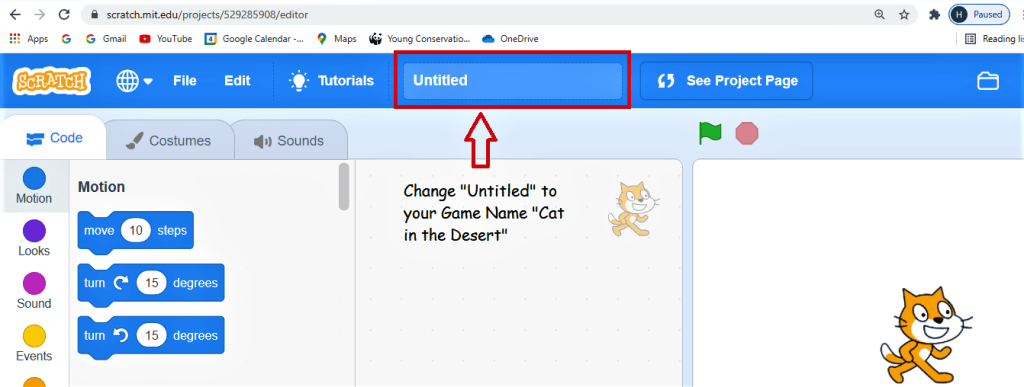
- Change the name from where it says untitled to “Cat in The Desert”
3.Choose a Backdrop by clicking on backdrop icon.

4. Here you can select from a wide range of backdrops. Select desert backdrop
5. Move the sprite to the desired places.
6. Go to Events and select “When the green flag is clicked” and move it to Code Window.
7. Go to Motion and drag “move 10 steps” and join it under the previous command.
8. Change 10 steps to 200 steps.
9. Go to looks and drag “say Hello!” and join it too.
10. Change “Say Hello!” to “Say Meow!!”

11. Go to File and click “Save Now”

12. Your First Game is ready enjoy playing…
 ░▒▓█►─═ нIŕᗩ𝔩 𝐚𝓡ᗝⓡค ═─◄█▓▒░
You must be logged in to post a comment.